 Hardware · Windows· 2 นาที
แอปอุปกรณ์ ไม่ใช่วอลเล็ตร้อนใบที่สอง
If a Nano or a Trezor already sits on the desk, Windows almost always has the vendor app open. The 2026 question is not which brand wins an ad. It is which window on the PC stays out of the way while you confirm on the device screen.
This is not a hot wallet
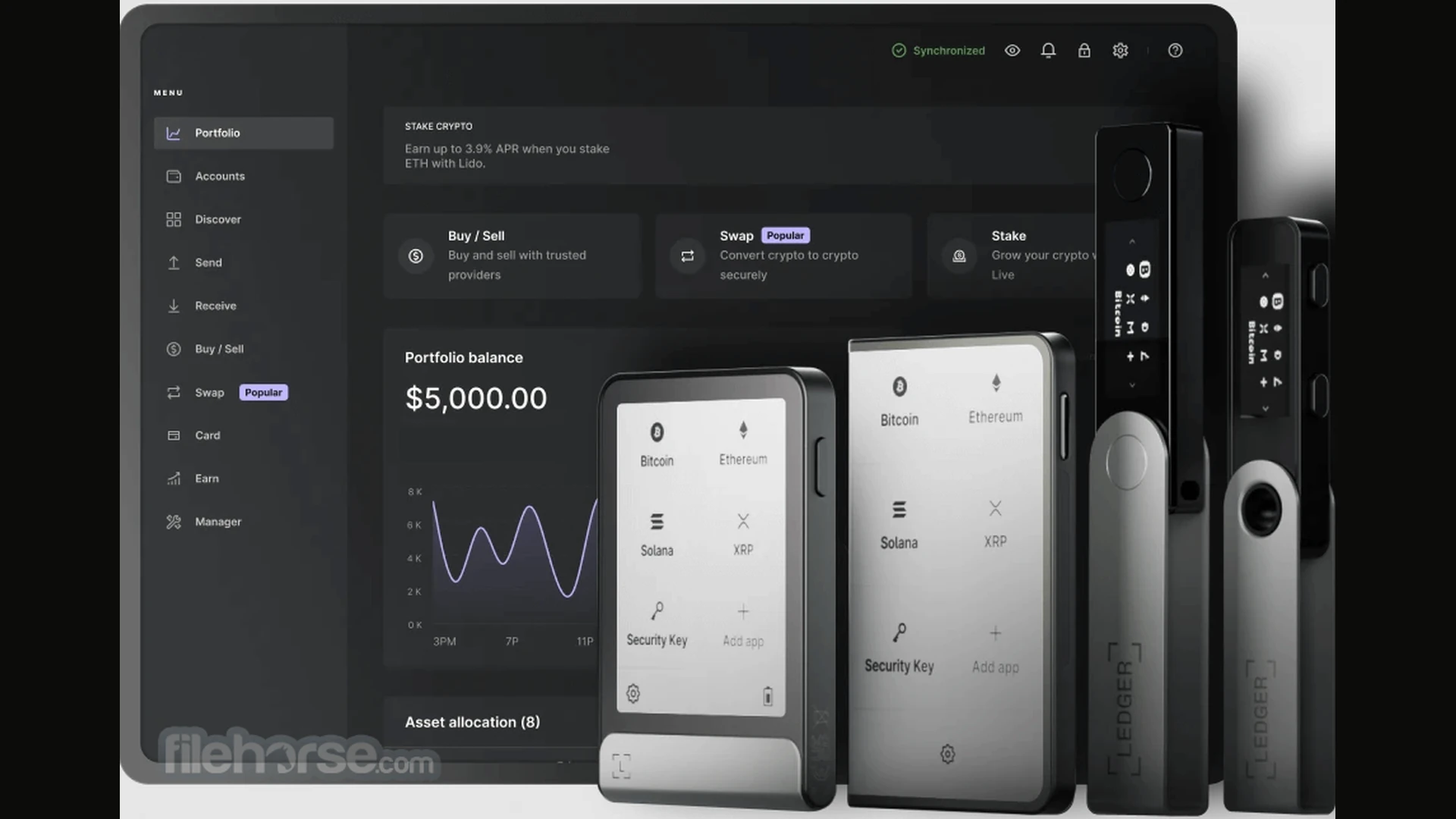
Ledger Live and Trezor Suite do not keep keys in the Windows profile the way Electrum does. Signing happens on the device. The app draws accounts, history and the draft. Unplug USB and the window is useless — that is correct.
Do not mix the companion with Exodus or Atomic: those keep keys on disk. The companion is a remote. Large bitcoin often gets a Sparrow watch-only view, with the signature still on hardware.
When Ledger Live is enough
Enough when the device is a Ledger, you hold many coins, you want one portfolio screen, and you are not building a three-vendor multisig. Live handles accounts, firmware and a third-party swap — the swap is someone else’s fee, not a magic rate.
Not enough when you need a PSBT editor, foreign descriptors or air-gap. Then Live stays for firmware and the spend moves to Sparrow.
When people open Trezor Suite
Suite belongs to a Trezor, not “instead of Ledger”. Open stack, same job: accounts and firmware. Bitcoin-only air-gap desks still keep Sparrow. Suite covers the daily screen and device updates.
Both vendors have already seen phishing around accounts and mail, not a broken chip. Same rule: never type the phrase into a Windows prompt and never download a “support agent”.
Firmware day versus spend day
Open the companion when you need firmware, a multi-coin portfolio, or proof the cable is alive. Open Sparrow when you prepare a bitcoin send: inputs, change, fee, PSBT. Mixing those two days is how people blame Live for a job it never claimed.
It is normal to keep Live or Suite on the same PC and leave hot Electrum installed. Hardware does not have to eat the hot client on night one. Finish two of your own device sends, then decide what stays for dust.
The Ledger Live card if the device is a Ledger. The Trezor Suite card if it is a Trezor. The Sparrow card if bitcoin spends no longer fit the vendor window. Do not download a “universal agent for every device” from email.
If the device is already on USB and the vendor window opens, you are not “behind 2026”. Do not swap the companion for an article. A fresh build matters when the old one misses firmware, misses the cable, or you add Sparrow as a second loop on purpose. Keys stay on the device, not in the Windows profile.